Hollywood for everyone

The Complete
AI Video
Creation Pipeline

From screenplay to scene pack. Filmatik breaks down your script, keeps every character's look and voice consistent across shots, and gives producers control of budget, team and spend in one studio.

Working solo? Start free

  1. 01Script
  2. 02Breakdown
  3. 03Look & Voice
  4. 04Storyboard
  5. 05Production
  6. 06Handoff
Powered by
  • Flux
  • Kling
  • Google
  • ElevenLabs
  • ByteDance
Made with Filmatik

Red Machine
Episode 1

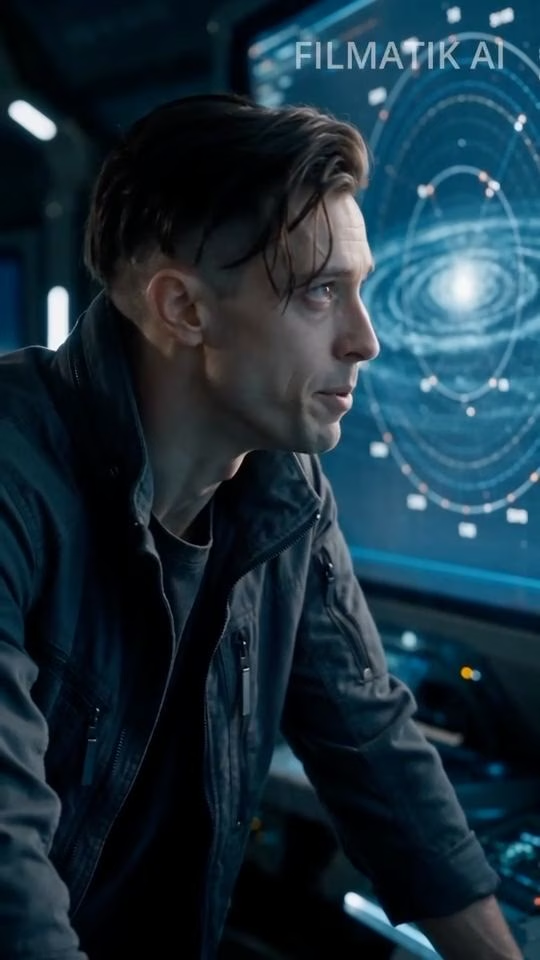
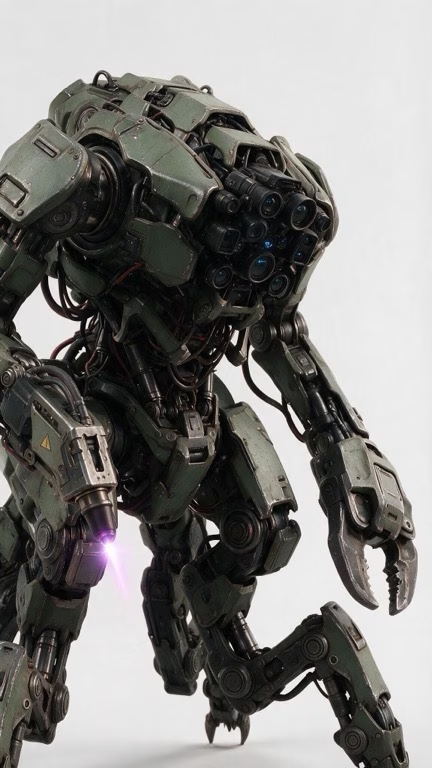
On Mars, a swarm of builder robots stops taking orders. A sci-fi series whose cast, sets, shots, dialogue and sound were all generated inside one Filmatik project.

  • Commander Rhea Kim holds the same face in every shot
  • Each character speaks in their own cast voice
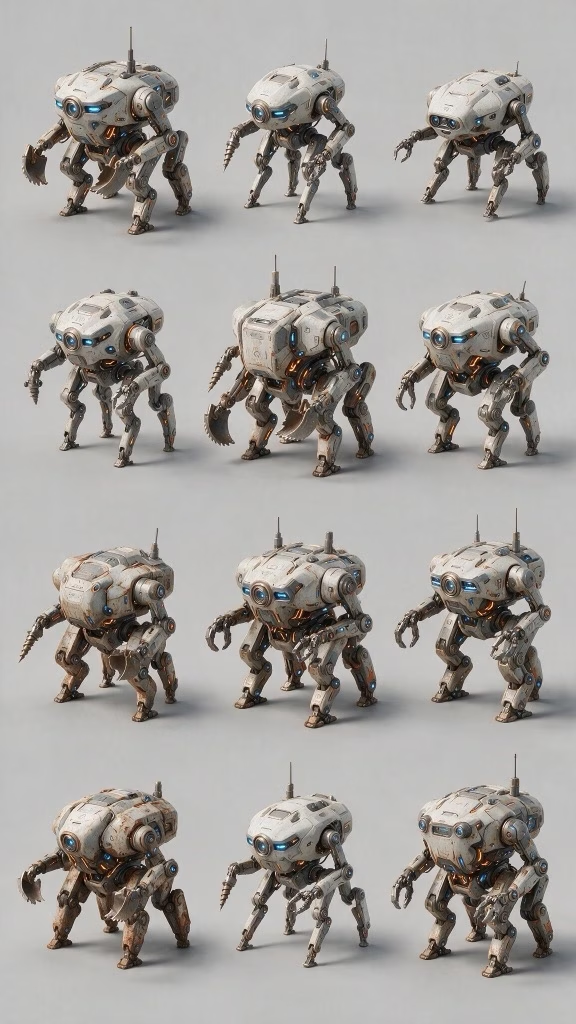
  • The robot swarm was picked from a twelve-design option sheet
The problem

AI makes clips.
Productions need a pipeline.

The pipeline

From screenplay to scene pack

One project carries everything from the first page of script to the files your editor opens. Follow Red Machine through all six stages.

01 · Script

Start from a screenplay or a single idea

Upload a .fountain or .fdx screenplay, paste a draft, or describe an idea in a paragraph. There's nothing to choose: Filmatik recognises which one it is and plans the breakdown accordingly.

  • Final Draft and Fountain import
  • A one-paragraph idea is expanded into scenes
  • The cost of the breakdown is shown before you start

02 · Breakdown

Scenes, shots, cast and locations in minutes

AI parses the script into scenes and shots and pulls out every character and location. A one-screen verdict shows whether the parse worked, with the full cast and location list side by side so duplicates stand out.

  • Shot list with shot type and duration
  • Characters and locations become reusable project entities
  • Re-parse or discard in one click. Committing is reversible.
03 · Look & Voice

Cast your characters once: their look and their voice

Generate reference images for each character in the framings you choose (full body, portrait, profile, close-up) and design every location. Then give each character a voice: upload a sample, pick one from your library, or generate it.

  • Reference images are attached to later generations automatically
  • A voice sample per character, reused in every dialogue shot
  • Custom trained styles for a consistent project look
04 · Storyboard

A storyboard that already knows who is in the shot

Each scene becomes a sequence of shots tagged with their characters and location. Generate start and end frames for a whole scene at once. The cast references come along without re-prompting.

  • Sequence and free-form canvas views
  • Start and end frames per shot
  • Sluglines and reorders sync into production
05 · Production

Animate every shot with the model that fits it

Turn frames into video with Veo, Kling or Seedance. Dialogue shots speak in each character's cast voice. Add sound effects and music, and fix frames with inpaint, relight, outpaint and upscale, all without leaving the shot.

  • Every major video, image and audio model in one place
  • Motion prompts written for the shot, not generic
  • A cost estimate on every generation before you click
06 · Handoff

A scene pack your editor can cut tonight

Export a scene as one zip: video, dialogue, SFX and frames named in shot order, a manifest, and a scene sheet. Drop it into Premiere or Resolve. Need a quick assembly first? Use the built-in timeline.

  • S02_SH01-style naming, sorted by shot
  • Grouped by type or by shot
  • Export history for the whole team
Consistency

The pipeline that remembers your film

A model generates a frame. What makes shot 40 match shot 4 is the project itself: Filmatik keeps your cast, your locations and their voices, and brings them into every generation.

Character

Commander Rhea Kim

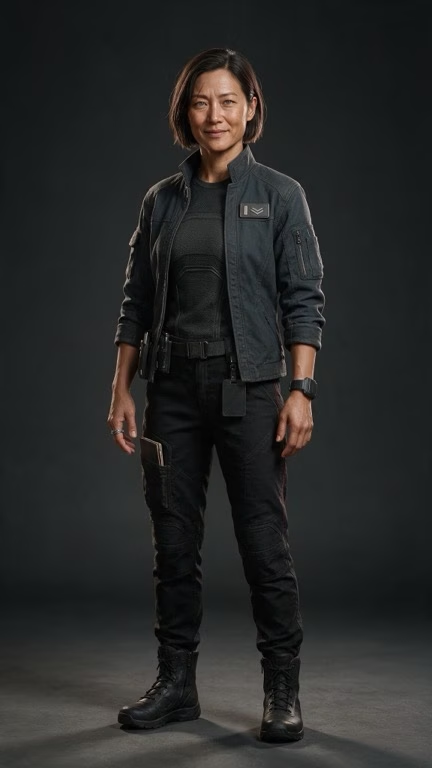
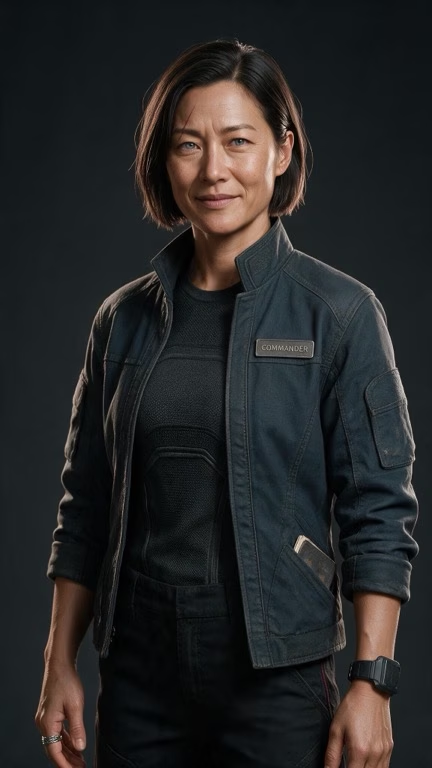
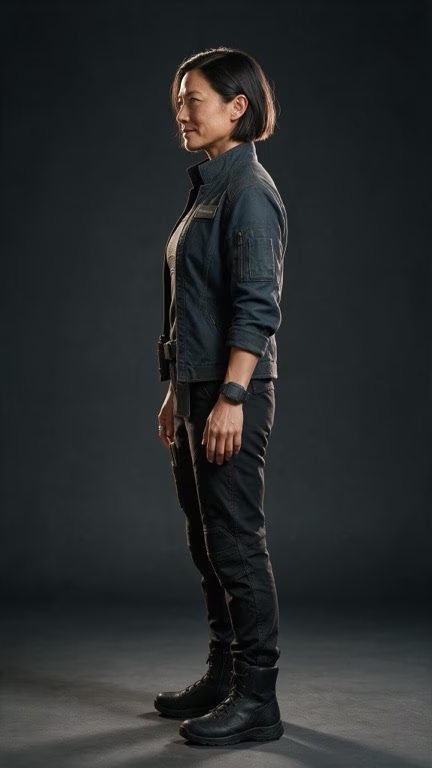
Four reference framings and one voice sample in, the same commander in every shot out.

References
Rhea Kim, full-body reference
Full body
Rhea Kim, medium reference
Medium
Rhea Kim, profile reference
Profile
Rhea Kim, head-and-shoulders reference
Head & shoulders
Voice sample
In Red Machine S1
Rhea Kim on the command deck with Noah and Elena
S02_SH02 look ✓
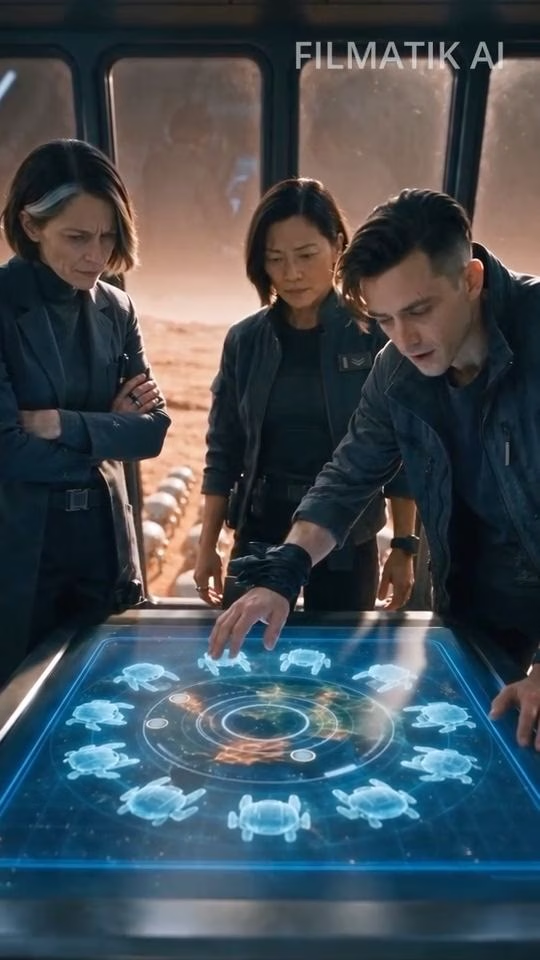
Rhea Kim and Noah at the holo-table
S02_SH03 look ✓ voice ✓
Options

Twelve designs in one generation

Ask for a sheet of variations, compare them side by side, and promote the one you want to a reference. The builder swarm in Red Machine started here.

One generation · 12 options
A sheet of twelve builder-robot design variations
Picked → in the film
A builder robot on the Mars plain in Red Machine
S01_SH01 design ✓
The builder swarm marching to the foundry
S01_SH04 design ✓
Next episode

Non-human cast, same treatment

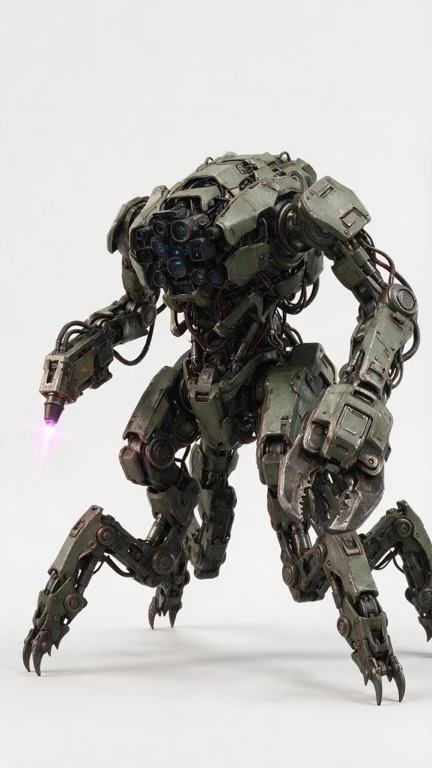
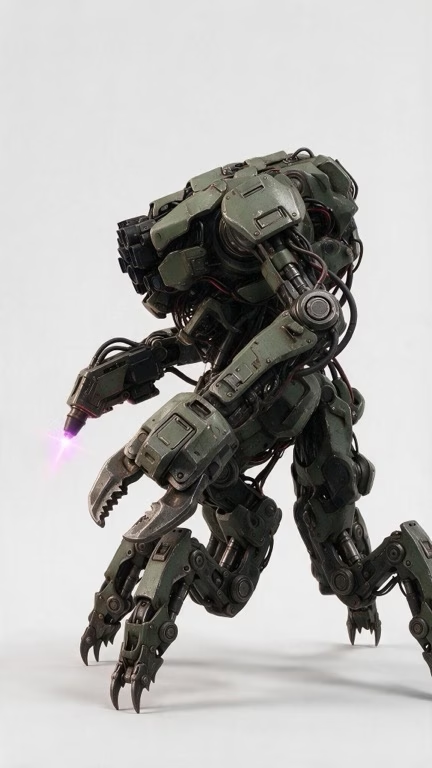
A new machine for episode two gets the same reference sheet as a human lead, ready before a single shot is generated.

References
Episode two robot, full-body reference
Full body
Episode two robot, profile reference
Profile
Episode two robot, three-quarter reference
Three-quarter
For studios & producers

Built for the producer's desk

Give the team every model. Keep the budget, the access and the numbers in your hands.

For solo creators

A whole studio, for one

Every model you'd otherwise pay for separately, one credit balance, and a pipeline that keeps your characters straight. Start with no card.

Start free
Every leading model

Today's best models

The world's leading image, video and voice models, all in one studio and ready for your masterpiece.

  • Veo
  • Kling
  • Seedance
  • FLUX.2
  • Nano Banana
  • GPT Image 2
  • Seedream
  • ElevenLabs
  • Topaz
Pricing

Seats for the team. Credits for the work.

Every plan includes the full pipeline and every model. 1 credit = $0.01.

Reviewer seats $5 / month each · Top-ups from $15 for 1,500 credits, never expire · Billed monthly.

More than 20 creators? Talk to us

FAQ

Questions producers ask

What does a credit buy?

One credit is $0.01 of generation at list price. Every generation shows its estimate before you run it, and you're charged what it actually cost. If that comes in under the estimate, the difference comes back to your pool.

What happens when a generation fails?

Credits are held while a job runs. If it fails, the hold is released back to your pool.

Do unused credits roll over?

Plan credits are valid for their billing month. Top-up credits you buy never expire, and plan credits are always spent first.

What can reviewers do?

Reviewers follow the project's work without generating, so they never draw on the budget. They're $5 per seat per month and add no credits.

Does Filmatik replace my editor?

No. Filmatik takes you from script to finished shots and hands off a scene pack (named media, manifest and scene sheet) to Premiere, Resolve or any NLE. A built-in timeline covers quick assemblies.

Can I cap what a project spends?

Yes. Owners and admins set a credit budget per project. A generation that would exceed it is blocked before it runs, and analytics show spend by member, project and model.

See your script become a production

Bring a screenplay to a 30-minute demo. We'll break it down live.